Postcard Pigeon
Any destination £3
No subscriptions, no accounts
Find out more
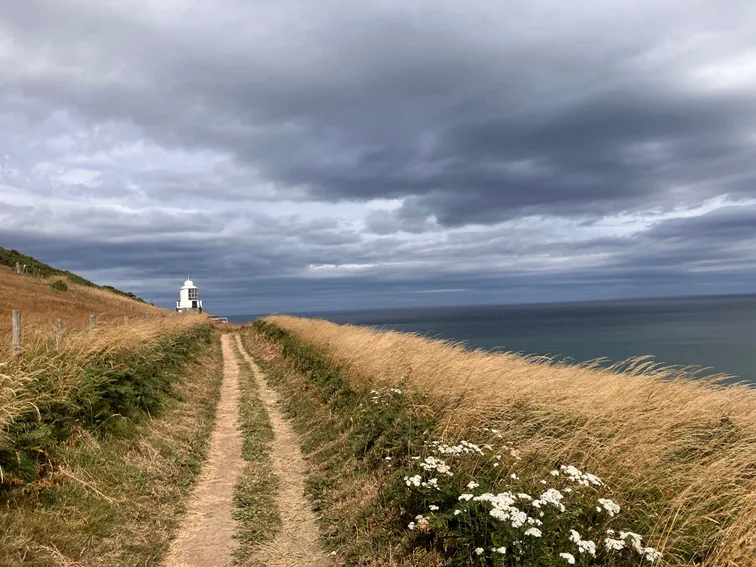
Click to add your photo
You can change or remove your photo at any time
Tap the pigeon to choose a photo from your phone or computer. Drag, pinch and zoom until it looks just right. You can swap it any time before you pay.
Flip your postcard over with the corner button, tap the dashed box on the left and write up to 600 characters. Make it funny, thoughtful, or just say hello.
Tap the dashed box on the right. Choose their country first and we’ll show the right address fields. We post to the UK, most of Europe, the US, Canada, Australia and New Zealand, all for the same price. Add your email for your confirmation and receipt, then press Done.
Give it one last look, then press Pay and send. Your postcard is £3, printing and postage included, with no hidden extras and no account needed. Payment is handled securely by Stripe, and you can add a coupon code at the top of the payment page.
You’ll see our pigeon confirm your order, followed by an order confirmation and a receipt by email. We print it on sturdy 350gsm laminated card and post it within one working day. UK postcards usually arrive within a week and international ones in about two. See the delivery times for every country.
Prefer your phone? Get the iPhone app. Anything else is in the FAQs.