Send your photo as a postcard from your phone
Turn a photo from your iPhone into a real printed postcard and send it through the post.
Choose your photo, write a message, add an address and we take care of the printing and postage.

No account, no subscription
There is no account to create and no subscription to manage.
Open the app, make your postcard and send it. Each postcard costs £3, including printing and postage.
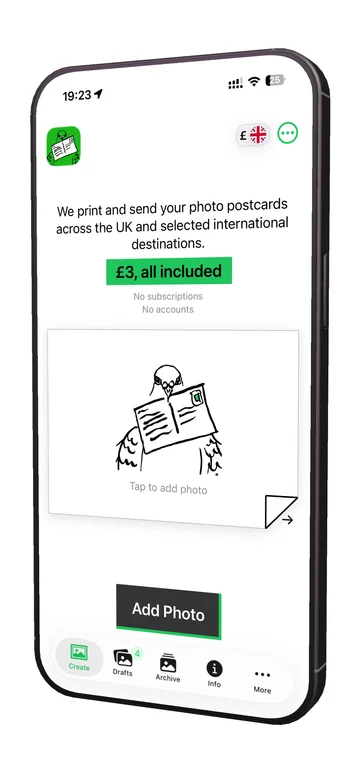
Choose a photo
Pick a photo from your iPhone and use it as the front of your postcard.
Holiday photos, family photos, walks, weekends away or something you took five minutes ago all work just the same.
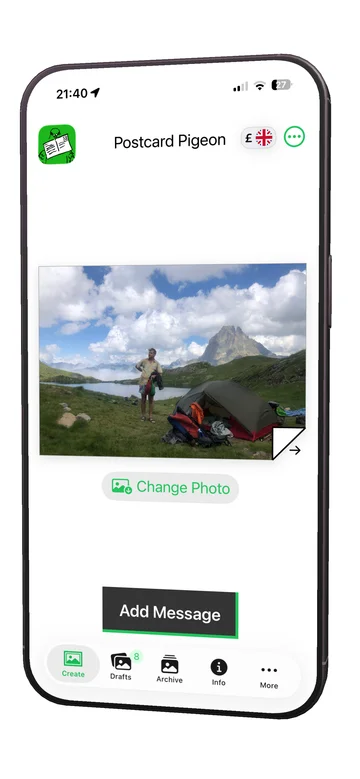
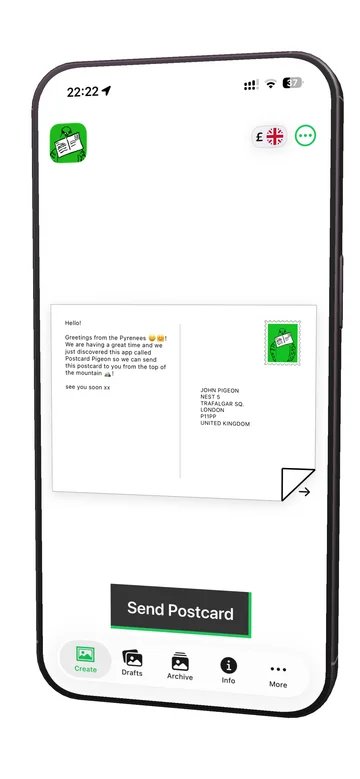
Write your message and add an address
Write your message on the back, then add the name and postal address of the person you are sending it to.
The app uses address fields suited to the destination you choose. You can currently send postcards to the UK, Ireland, USA, Canada, Australia, New Zealand and destinations across Europe.
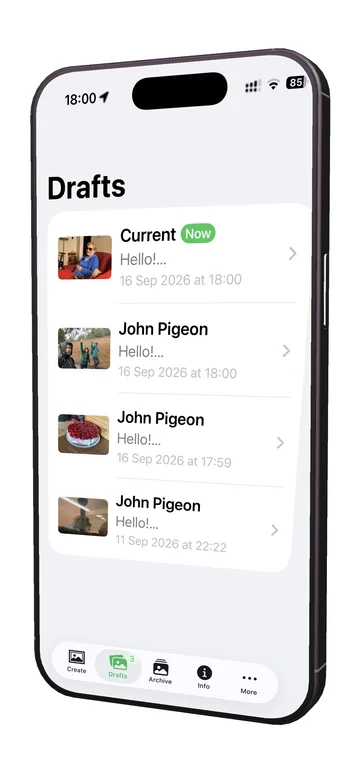
Save postcards as drafts
You do not have to finish a postcard in one go.
Postcards you are working on can be saved as drafts, so you can choose the photo now and come back later to finish the message, address or payment.
Your drafts stay on your phone until you are ready to send them.
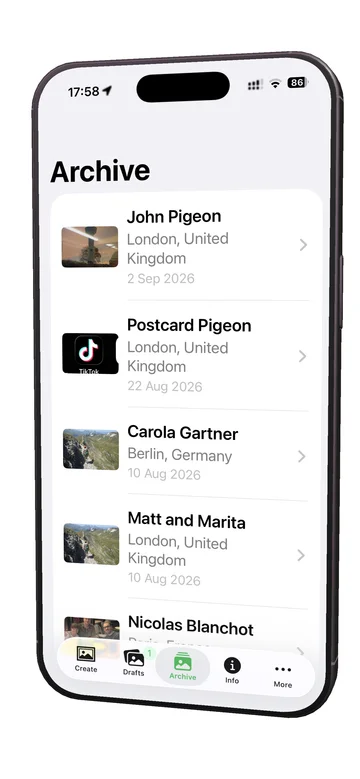
Keep a private archive of your postcards
After you send a postcard, a copy is kept in your private archive on your iPhone.
You can look back through the photos and messages you have sent without needing an account or signing in anywhere.
Your archive is stored locally on your phone.
Printed and posted for you
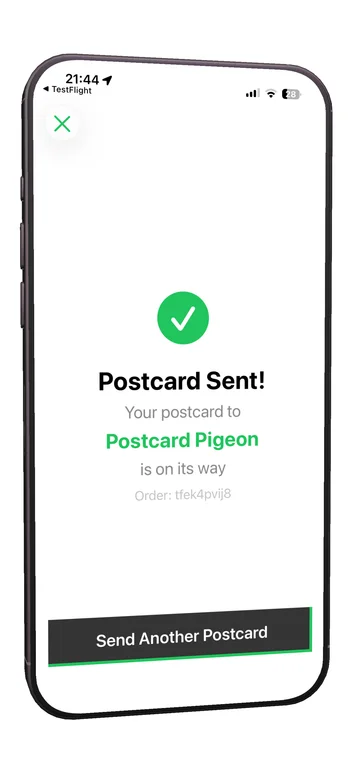
Once you send your postcard, we prepare it for printing and postage.
It is printed as a real 6 × 4 inch postcard and sent through the normal postal system. There is no printer, stamp or trip to the postbox needed at your end.
Android app
Postcard Pigeon is currently available on iPhone.
If you use Android, leave your email address and we will let you know when the Android app is ready.